
Writing takes time you don’t have
Between orders and customers, finding time for the next post is hard. istakan prepares it from your content plan.
Tell istakan about your business and what you want to share. It writes your posts and publishes on your schedule, automatically or after your approval.

Between orders and customers, finding time for the next post is hard. istakan prepares it from your content plan.
Connect your accounts and choose where and when to publish, without copying the same post into each app.
Choose your topic, schedule, and accounts. istakan prepares the posts from your plan.

Choose a date and time for an announcement or offer.
Plan up to 30 posts between two dates for your campaign.
Prepare new posts on a daily or weekly schedule.
Connect a news feed to turn each new update into a post.
Your first 10 images are free

0
IQD
for 14 days
15,000
IQD
per month
25,000
IQD
per month
40,000
IQD
per month
Tell it what you offer, who your customers are, and how you want to sound.
Choose a topic, social accounts, and publishing times.
Edit and approve your posts, or let them publish automatically on schedule.
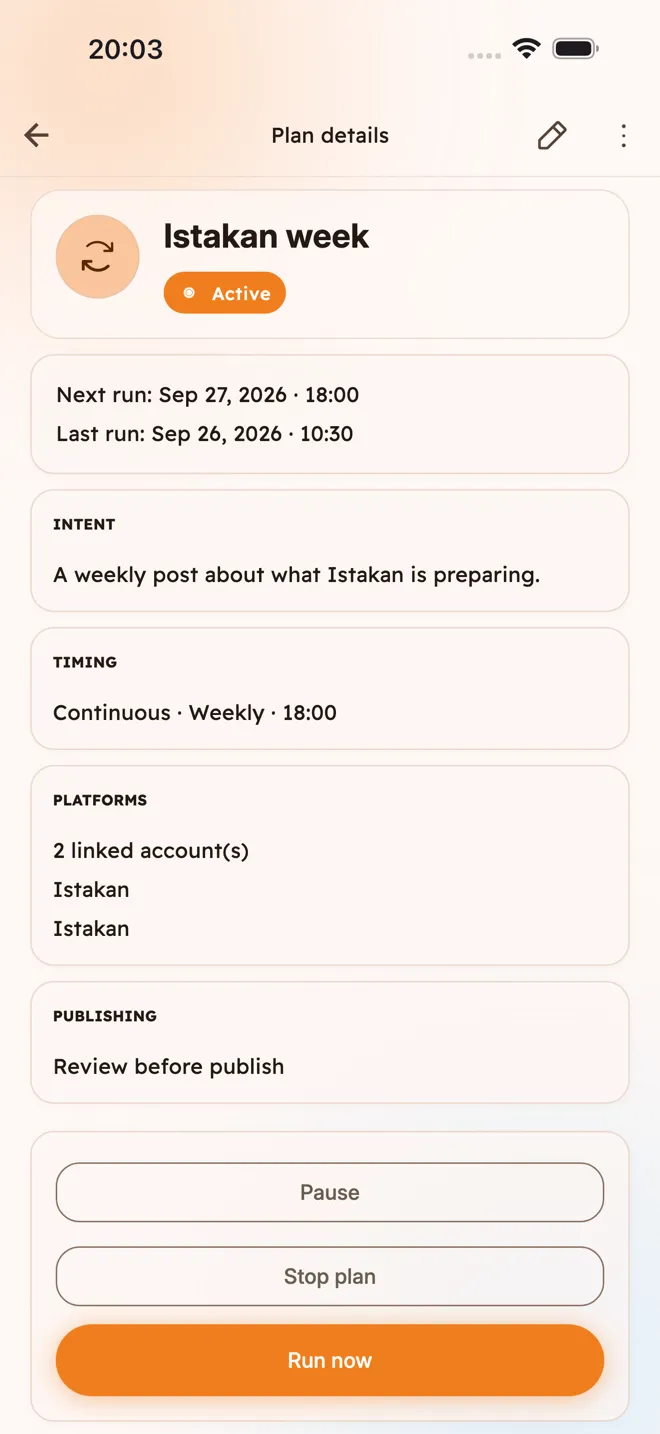
Set the topic, schedule, and publishing mode together in one plan.
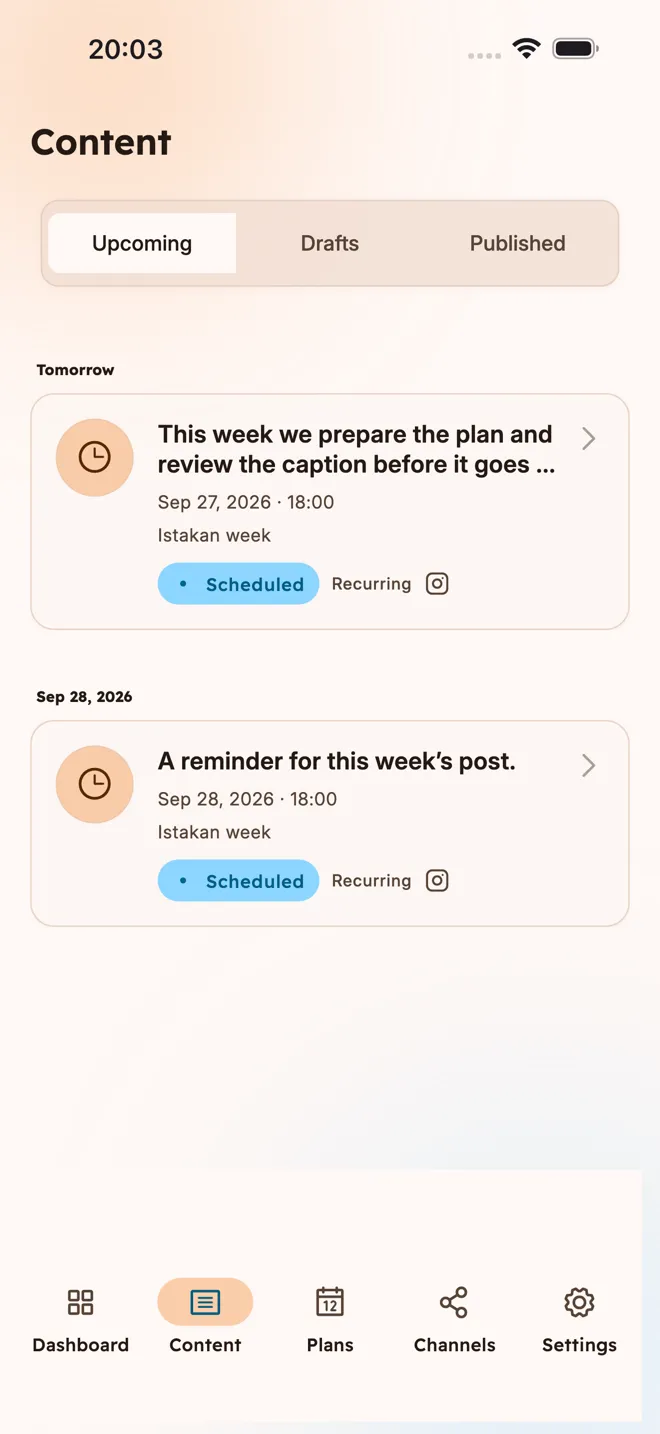
See drafts, scheduled posts, and published content. Open any post to review its details.
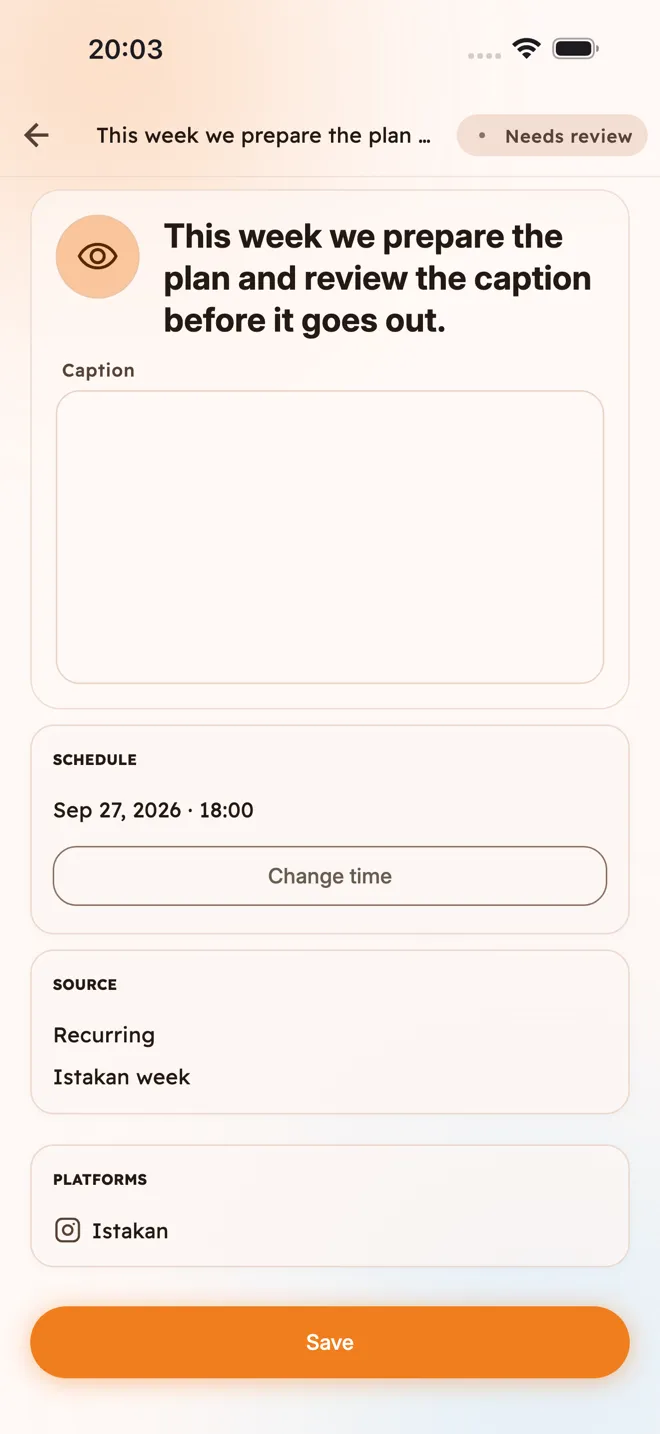
Edit the text, change its publishing time, or ask istakan to reword it.
For each plan, choose automatic publishing, approval before publishing, or drafts only.
Choose the accounts for each plan. istakan publishes to them on your schedule.
Successfully connect your first channel to get 10 free image generations, available for 14 days. This is a one-time gift. The free plan supports one platform, with multiple channels on that platform.
No. Any unused image allowance expires at the end of its period.
Yes. Add your business details, audience, preferred tone, and language or dialect. You can edit any post before publishing.
Only if you choose automatic publishing. Choose review before publishing to approve each post, or keep posts as drafts.
Yes. A series supports up to 30 posts between two dates, including several on one day. Ongoing daily or weekly plans create one post at each scheduled time. All schedules use Iraq time.
Facebook Pages, Instagram professional accounts linked to a Facebook Page, personal LinkedIn profiles, and Telegram channels or groups through a bot. LinkedIn company pages are not currently supported. You can also copy drafts and publish them yourself.
Pausing a plan stops new posts from being created, but scheduled posts may still publish. To stop all publishing, use the control in settings and review the confirmation. Published posts stay on your accounts until you delete them there.
Download istakan on your phone and manage your business posts wherever you are.
Talk to us about whether it fits your business.